
Create and manage drink recipes with precise measurements to control portions, standardize preparation, and track costing.
Book a demo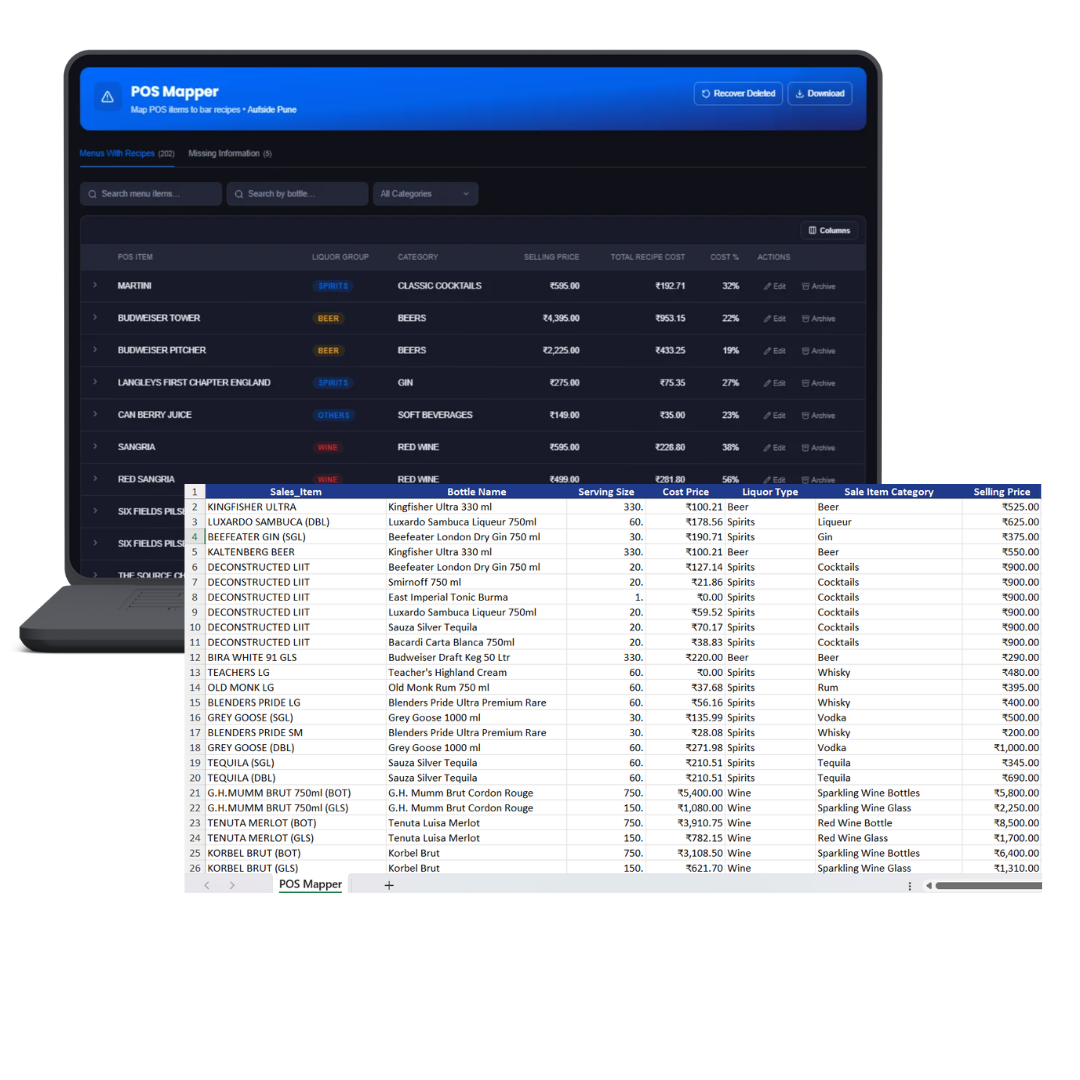
How it works
Every recipe starts from a bottle already in your Virtual Bar, using its purchase cost and size as the basis for costing.
Add the exact quantity of each bottle per serve, once, no re-typing it every time the drink is sold.
Link the recipe to its POS item so every sale implies theoretical usage automatically, and cost-per-serve recalculates the moment a purchase price changes.
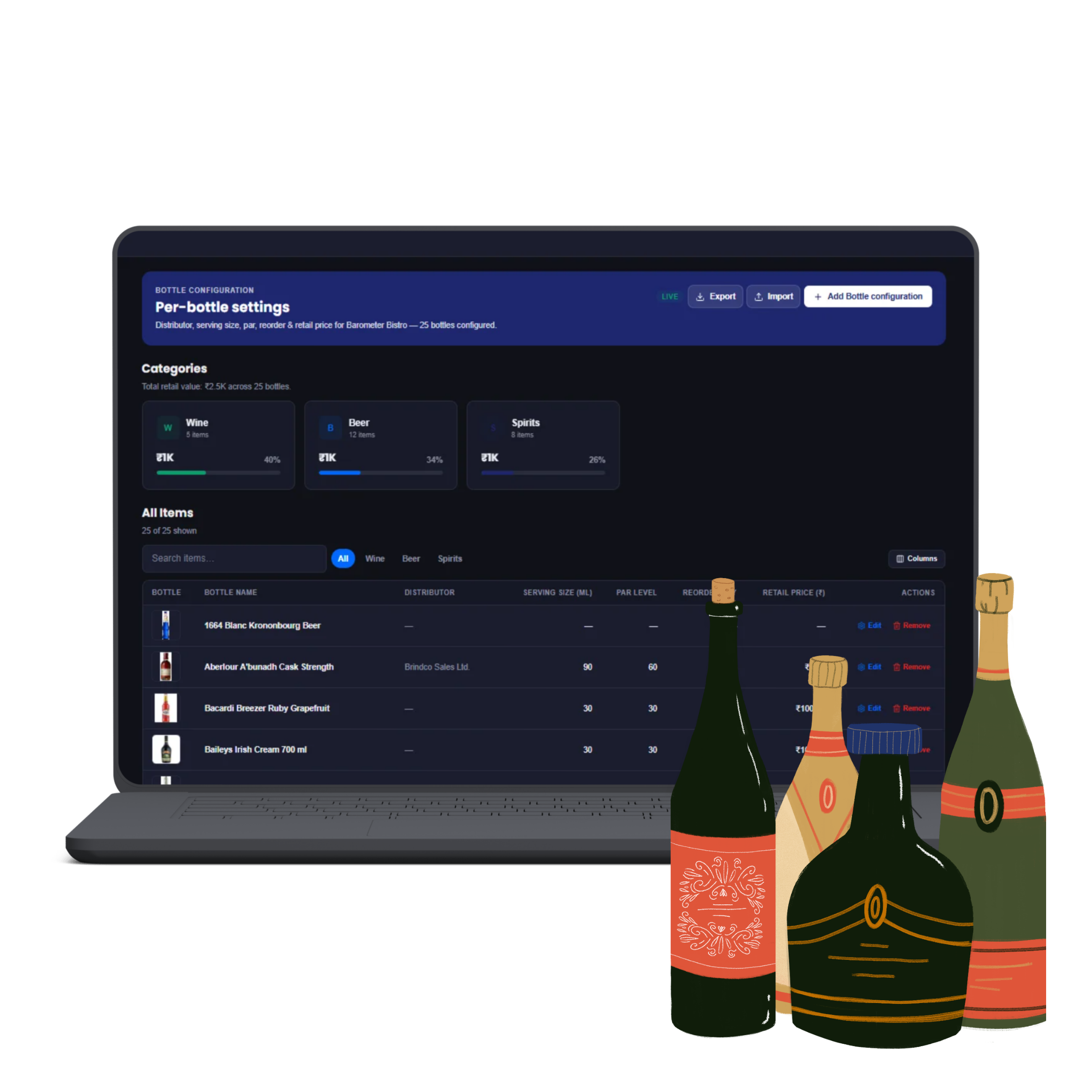
Set up and edit the bottle-level details (size, cost basis) that every recipe's costing is built from. Cost per ml is simply the latest purchase price divided by bottle size: ₹1,800 ÷ 750ml gin works out to ₹2.40 per ml. A recipe's cost is the sum of each ingredient's quantity per serve at that rate, so a Gin & Tonic (30ml gin, 90ml tonic, 10ml lime cordial) costs ₹88.50 to pour. Raise the gin's purchase price and every recipe using it recalculates automatically, no one updates 30 cocktail costs by hand.
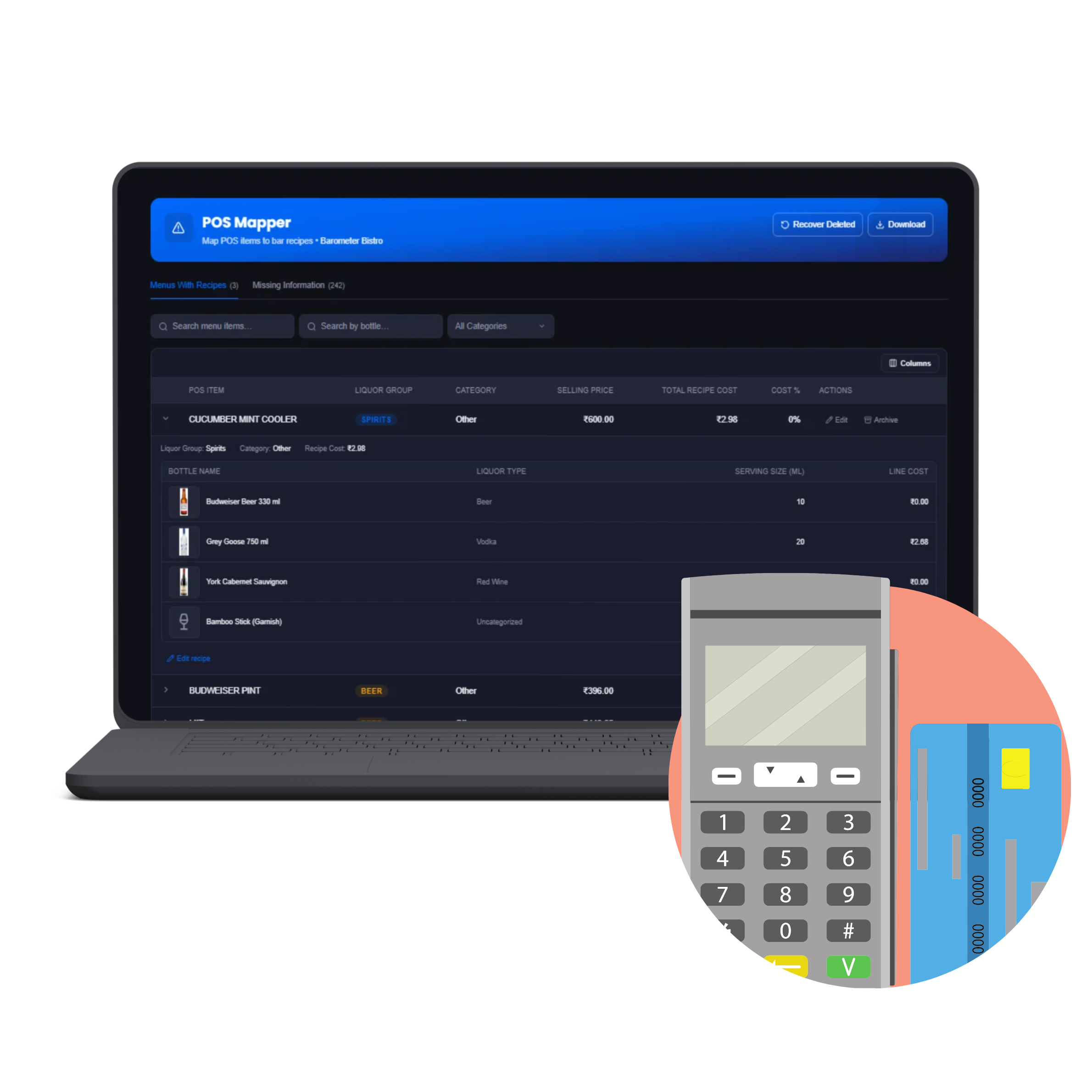
Map a drink sold on your POS to its ingredients once, every sale after that calculates theoretical usage and cost automatically. Mapping is a one-time task per POS item, though it's worth revisiting whenever the menu changes: an unmapped item sells with zero recorded ingredient usage, silently understating variance. Map “GT” to a Gin & Tonic recipe and 12 Friday-night sales automatically log 360ml of gin, 1,080ml of tonic and 120ml of lime cordial, no bartender counting pours.
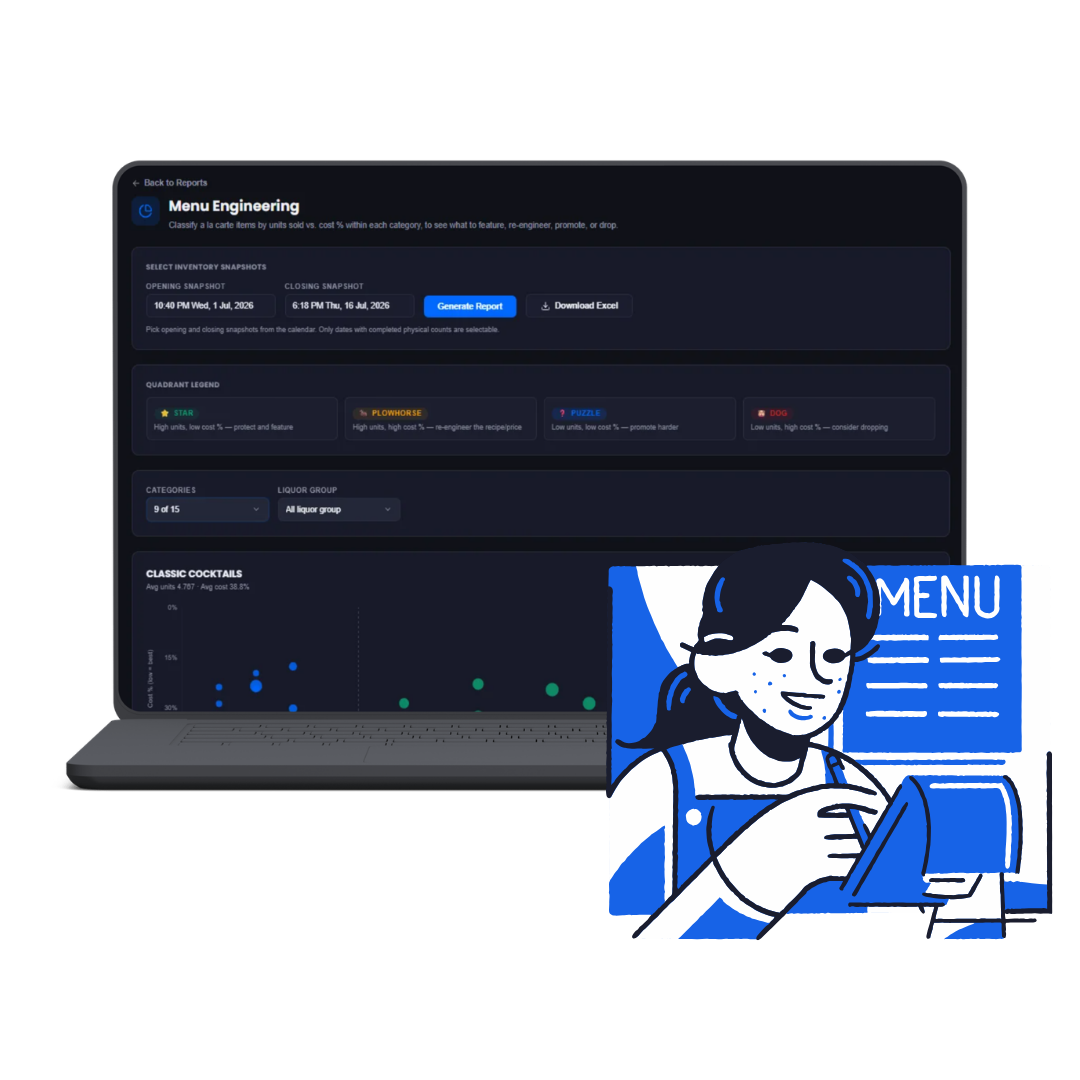
Once a recipe is costed, it feeds straight into the Menu Engineering report: see which drinks are actually profitable per serve, not just which ones sell the most. A Gin & Tonic selling 40 times a week looks like the star on volume alone, but if an Espresso Martini selling half as often earns a higher margin per serve, Menu Engineering surfaces that it's actually contributing more total profit, a conclusion pure sales-count data would never show.