

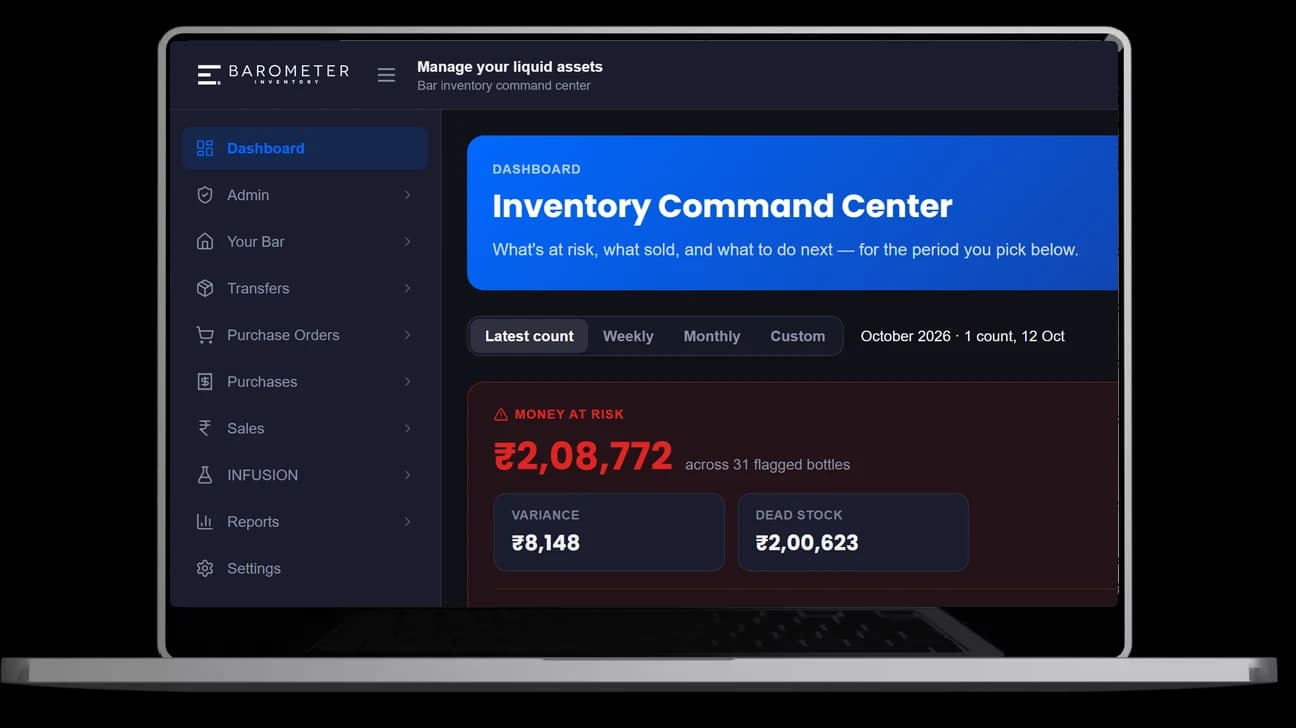
Stocktake on your phone, offline in the cellar. By the next morning the variance report shows what went missing, bottle by bottle, in rupees.
6 pts
off your pour cost
30 min
per stock-take, down from 2 hours
400+
hours saved every year
Watch it work
From the morning order to the next day's variance report: how stock moves through a bar, and where Barometer Bar counts it.

One night at the bar
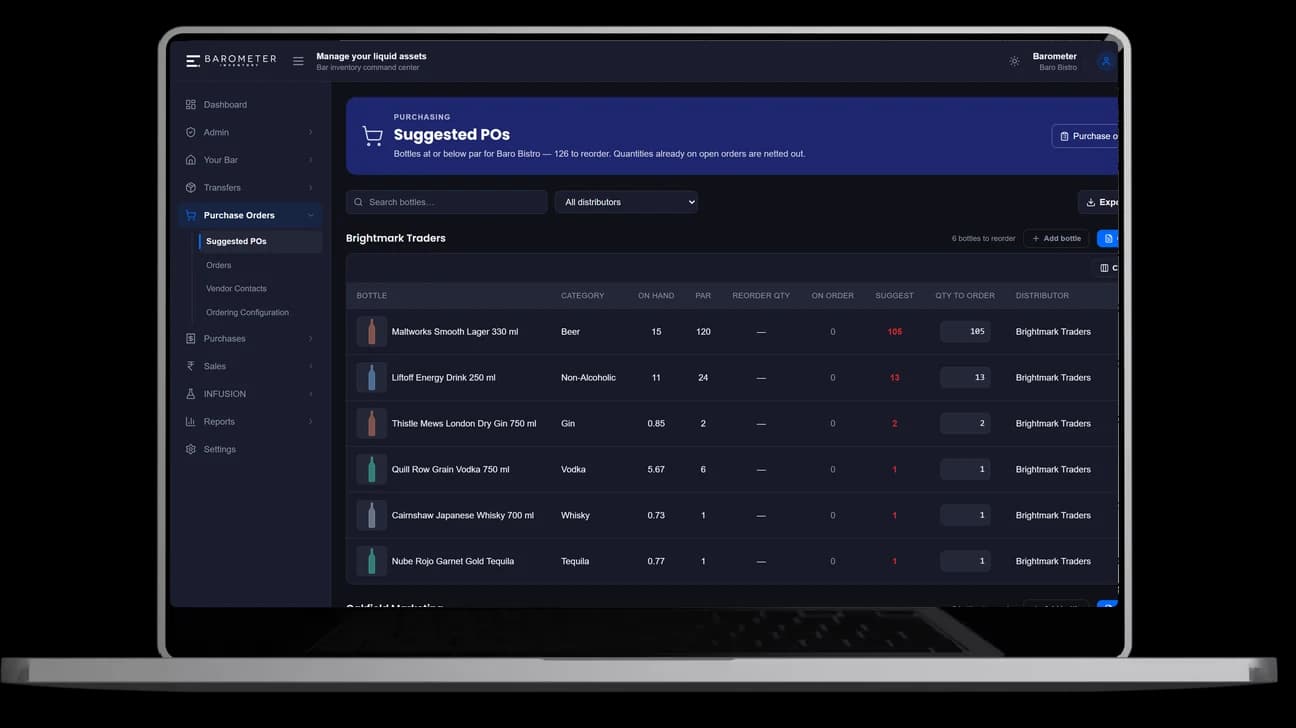
Suggested POs list every bottle at or below par, grouped by distributor, with quantities already on order netted out. Send the PO to the distributor on WhatsApp.
How stock reorder works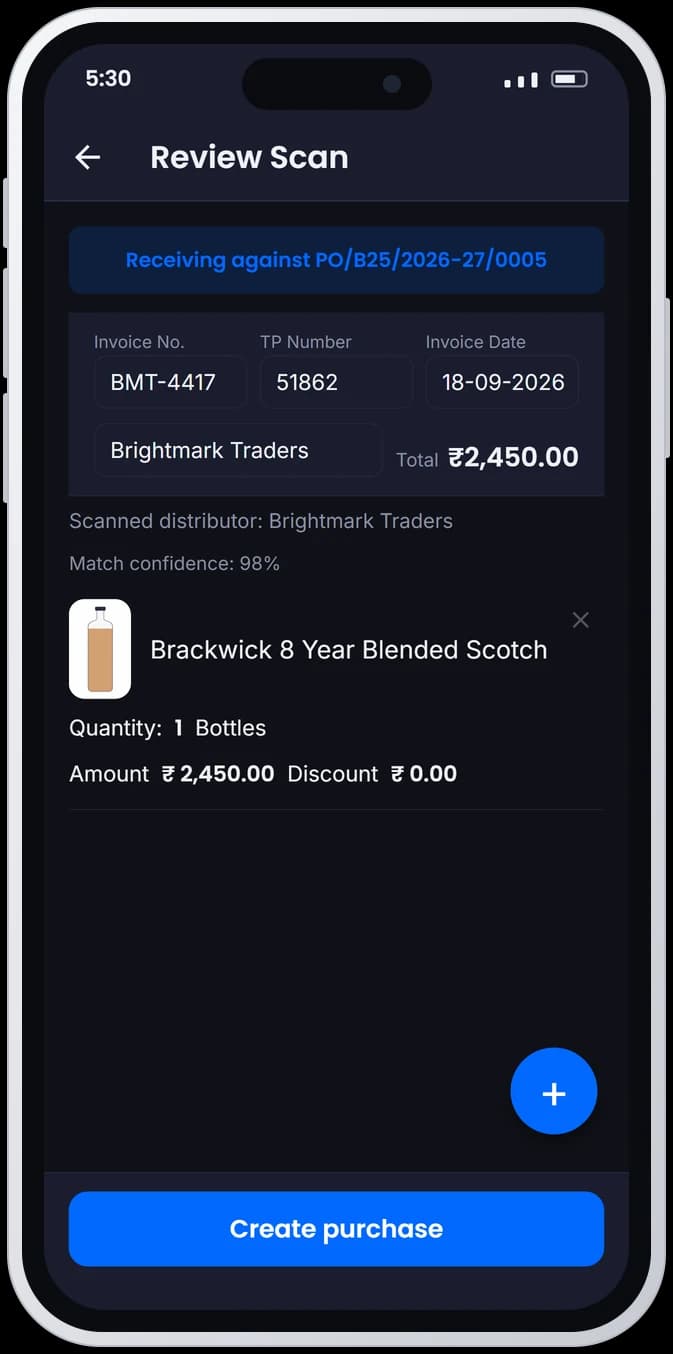
Photograph the distributor's bill. Barometer Bar reads it, matches each line to your bottles and the open PO, and you check it before it saves.
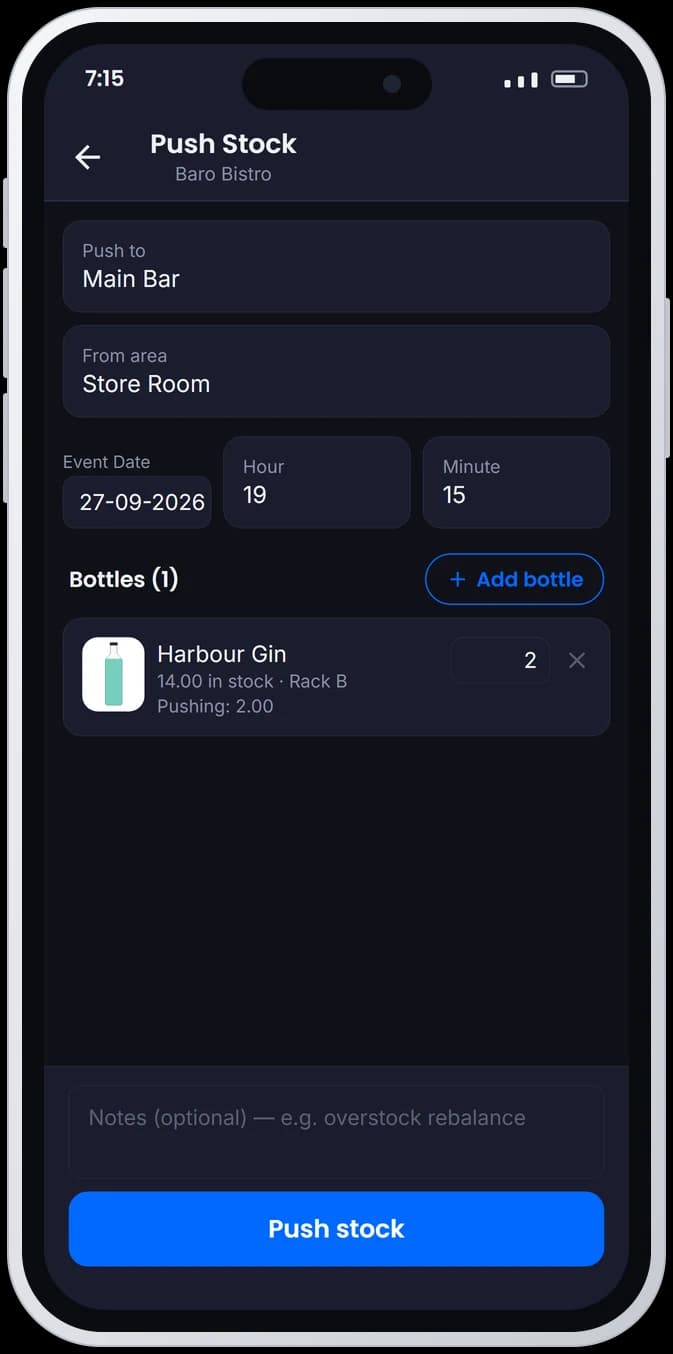
Push bottles from the store room to the main bar, or between outlets. Both sides of every transfer stay on record, so a move never shows up as a loss.
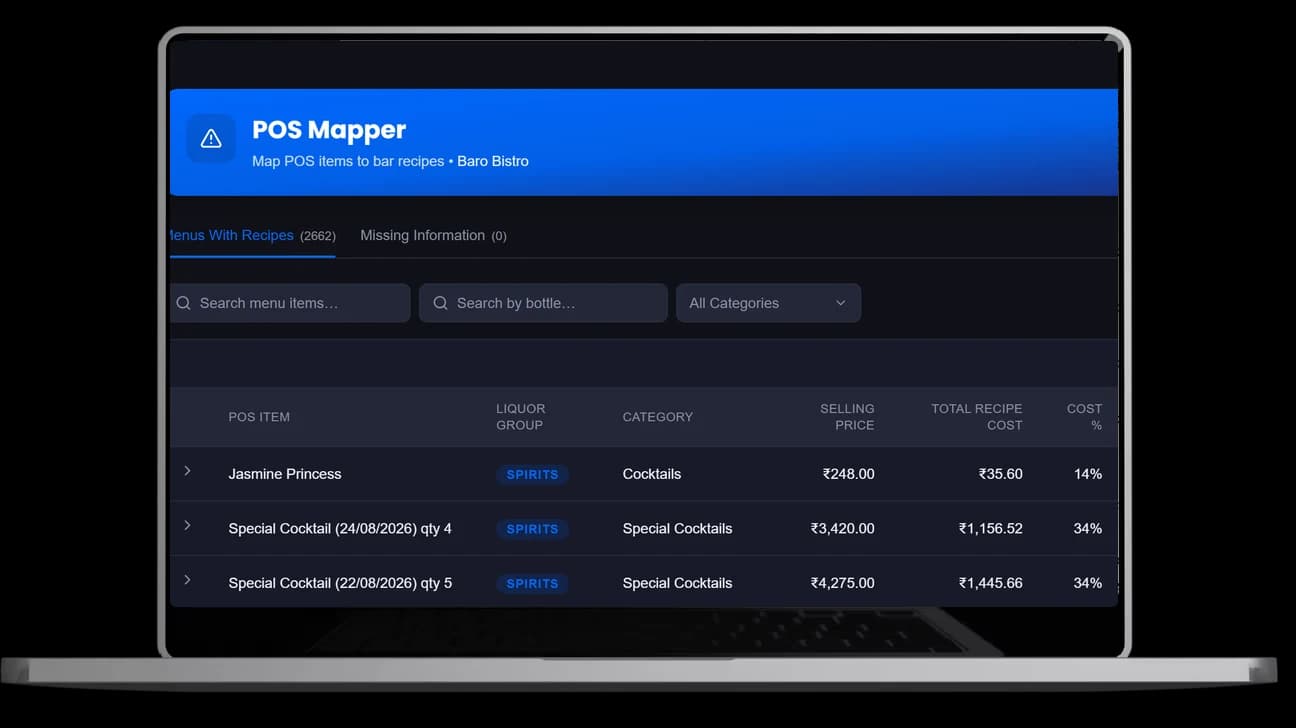
Map each menu item to its recipe once. Every sale then logs what should have been poured and what it cost, so pour cost updates itself.
How recipe costing works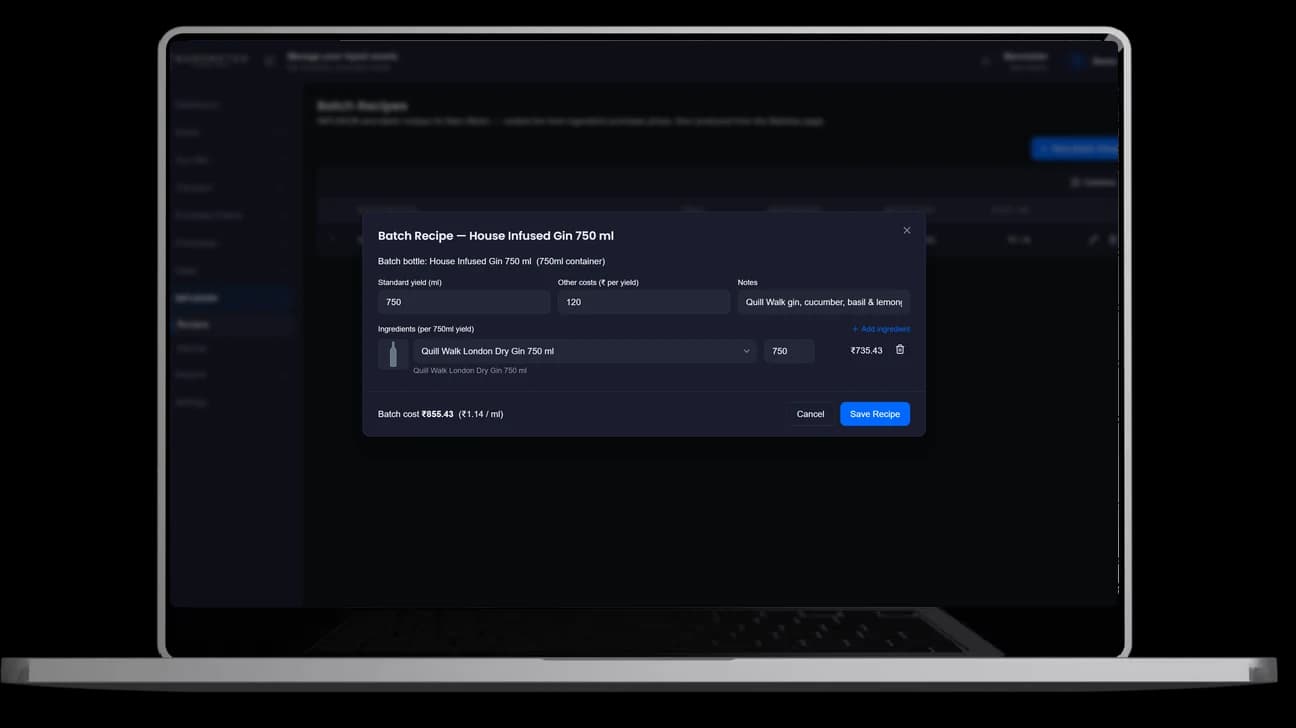
Batch recipes cost your house infusions from ingredient purchase prices, so a batched gin is counted and costed like any other bottle.
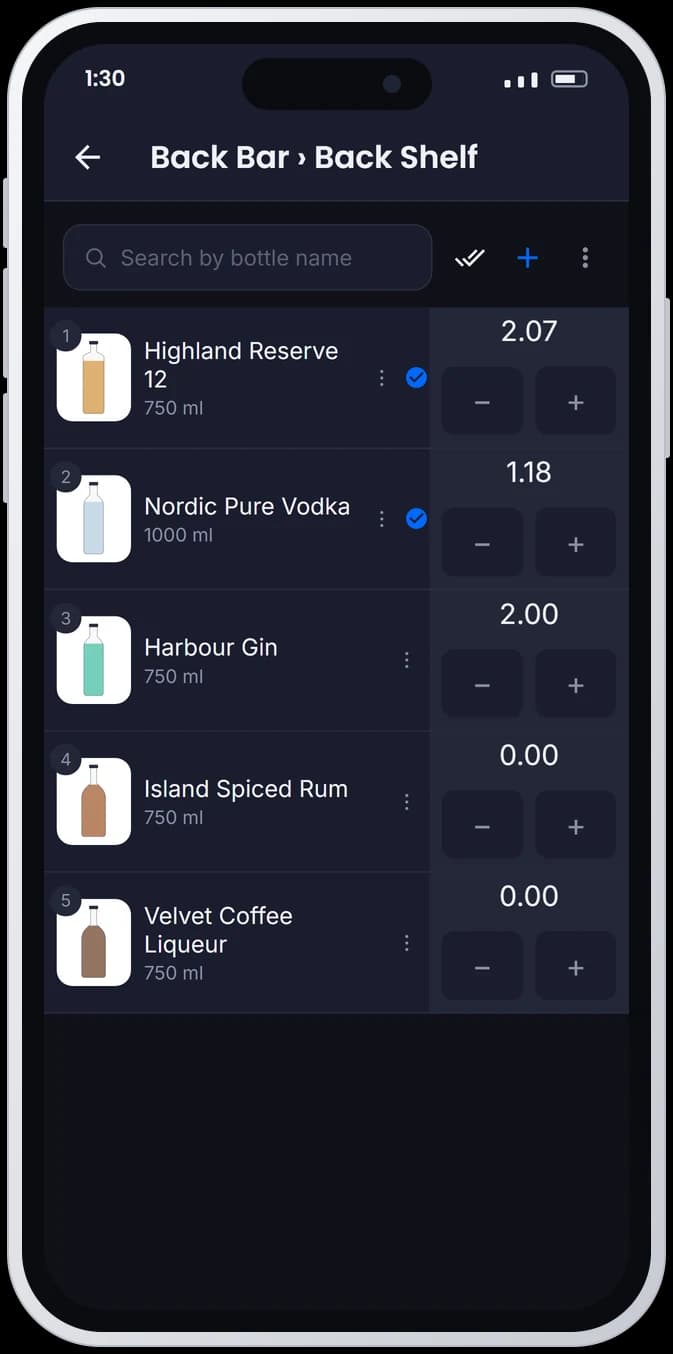
How recipes and batches workTap a bottle, drag the line to the level. Counts save on the phone in the cellar and sync when you're back online, and several people can count the same bar together.
30 minper stock-take, down from 2 hours
How stocktake works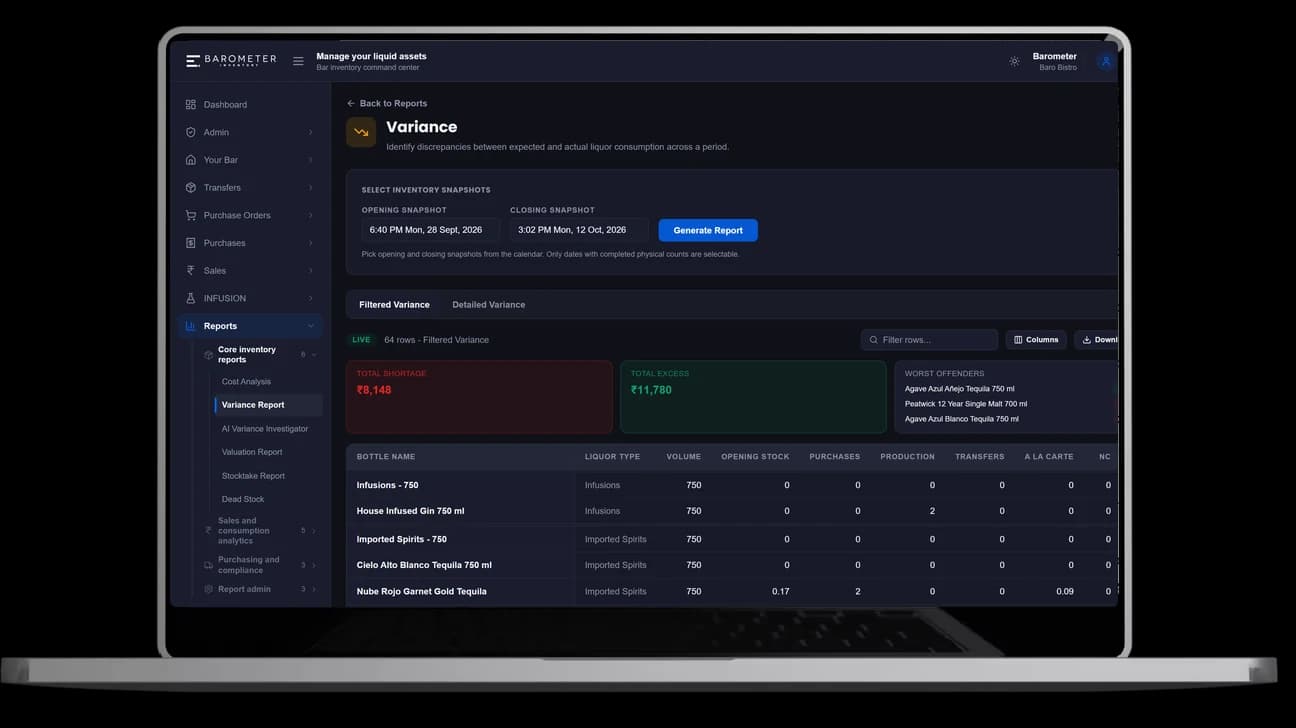
The variance report compares what you poured with what you sold, bottle by bottle, in rupees, with the worst offenders at the top.
6 ptsoff your pour cost
How reporting works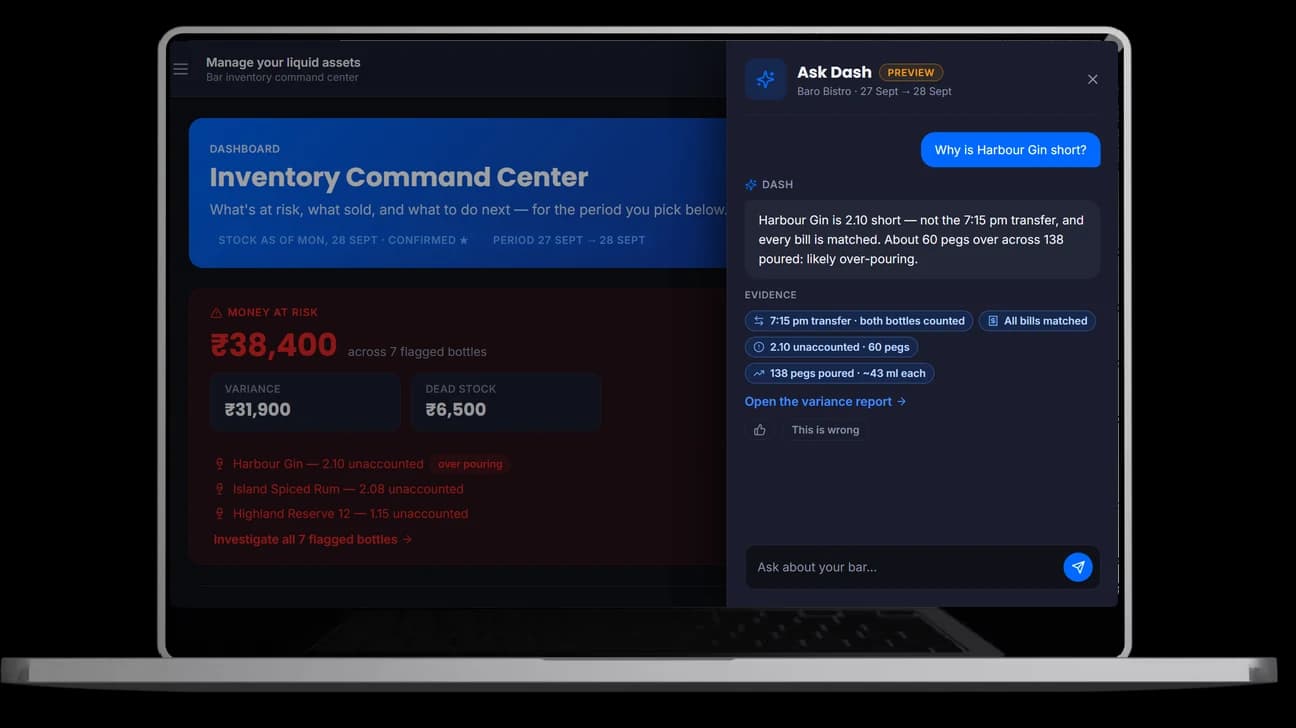
After every count, Barometer Bar flags what needs a look. Ask Dash answers why a bottle is short and shows the evidence behind the answer.
Reports
Built from your stocktakes, recipes and sales. Schedule any of them straight to an inbox.
More than software
The app records the numbers. Our team makes sure they're right, and that someone acts on them.
Our auditors count your bar with your team, so the opening stock every report starts from is right.
Late entries, wrong bottles and missed transfers get fixed by people who know your bar, before they skew a report.
Each month we walk your controller through variance and pour cost, and agree what to fix next.
What customers say

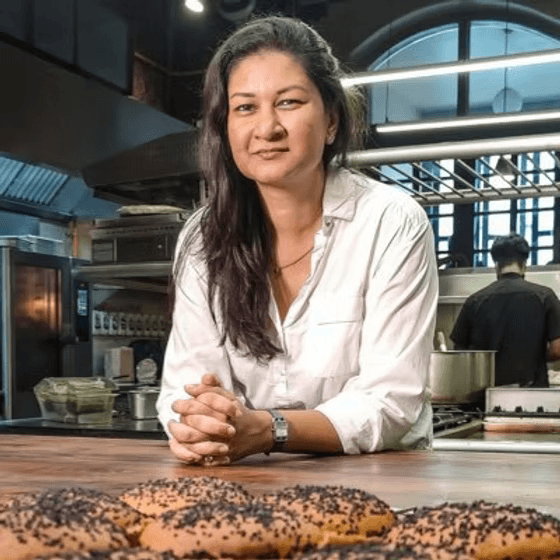
“A great team to work with, they've played a huge role in helping us understand our costs and knowing where to rationalise.”
Pricing
From ₹5,000 per licence per month
Software, audits and monthly reporting in one plan.
FAQs
Software that tracks liquor stock levels, pour costs and variance for a bar or restaurant, replacing manual clipboard counts. Barometer Bar does this on a mobile device: count with a slider, compare against par levels, and see variance reports without a separate reconciliation step.
Recipe management links each drink to its exact bottle quantities per serve, so cost per serve is calculated from the latest purchase price automatically. Once a recipe is mapped to a POS item, every sale logs theoretical usage and cost with no manual counting.
Yes. Storerooms and cellars rarely have signal, so every stock count made offline is saved on the device and synced automatically once you're back online, timestamped to when the count actually happened.
Suggested POs rank bottles below their par level by real consumption, not a flat threshold, and receiving checks what arrives against what was ordered, so short deliveries are caught at the door.
13 reports built from the same stock-take, recipe and sales data, including Variance, Valuation, Dead Stock, Menu Engineering and an Excise Book for India's liquor compliance requirements, any of which can be scheduled straight to an inbox.
On Google Play: search for Barometer Bar. There's no sign-up in the app. Your business creates your login; if you don't have one yet, ask your manager or book a demo.
You need it for stocktake: counting happens on a phone, at the shelf. Ordering, purchases, recipes and reports all work in the web portal as well.
Get the app
No sign-up in the app. Your business creates your login. Search “Barometer Bar” on Google Play, or tap the badge just below, or scan the code with your phone.
Scan with your phone