

Quickly perform stock counts using a mobile-friendly interface, making bar inventory checks fast, simple, and accurate.
Book a demoHow it works
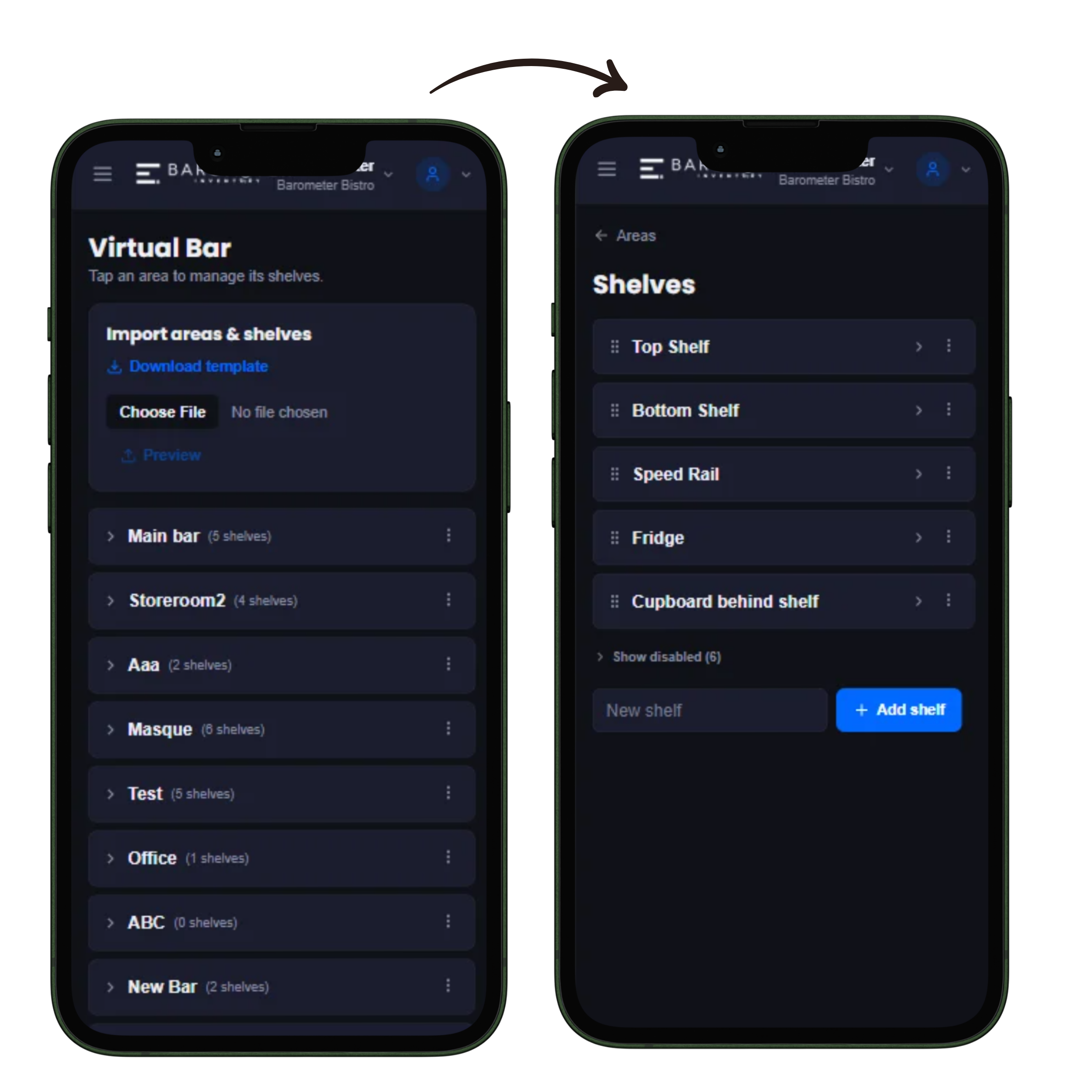
Add every bottle, size, category and location, a one-time setup that every future count, purchase and recipe reuses.
Tap a bottle, slide to the exact level, offline-friendly, and synced automatically the moment you're back online.
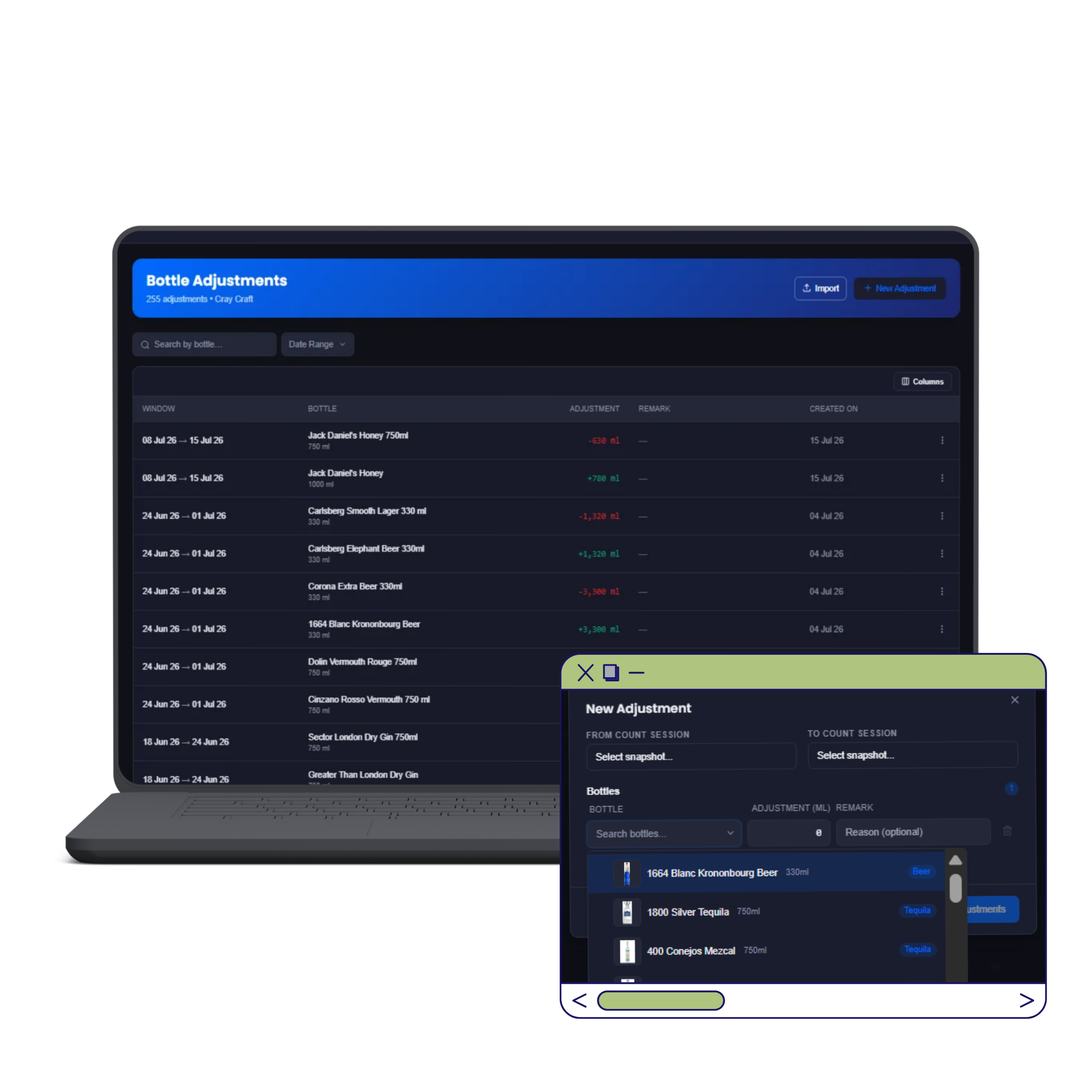
Adjustments are logged separately, and each finished snapshot feeds straight into Variance, Valuation and Dead Stock reports.
Add every bottle your bar stocks once: name, size, category, and which shelf, cellar or store-room it lives in. This becomes your bar's permanent shelf list; every future stocktake, purchase and recipe just reuses it. Then tap a bottle and slide to the exact level left, no eyeballing a quarter-full bottle. A clipboard count usually rounds to the nearest quarter-bottle; over 100+ bottles, that rounding error alone can misstate stock value by thousands of rupees. The slider removes it entirely.
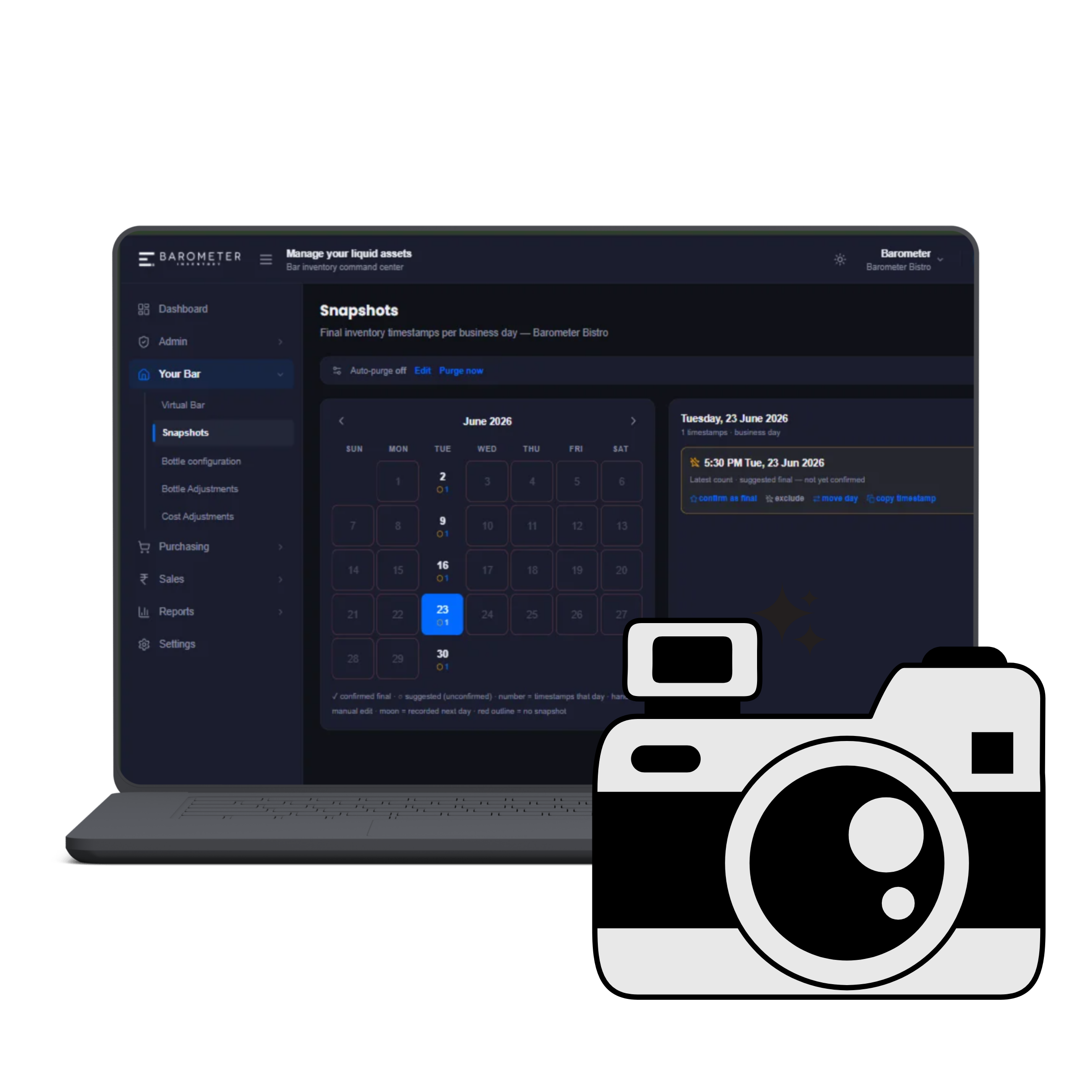
Every stocktake is saved as a dated snapshot, so you can compare any two points in time, not just this month vs. last. Most bars run two a day, an opening snapshot before service and a closing one after last call, so the gap between them, checked against what the POS says sold, is exactly what a variance report is built to explain.
Log breakage, spillage or staff drinks separately so they don't get counted as unexplained loss on your variance report. A dropped bottle logged as a breakage shows up correctly as a one-off loss, not as an unexplained gap that looks like theft or over-pouring.
Storerooms and cellars rarely have signal. Every count made offline is saved on the device and synced automatically the moment you're back online, timestamped to when it actually happened, not when it uploads.
Once a count is complete, it's a permanent record, feeding straight into your Variance, Valuation, Stocktake and Dead Stock reports with zero re-entry.